
SecurityEdge View
See your site clearly. Put security information into context.
SecurityEdge View brings information from your compatible Inner Range Inception controller onto your own floor plans—giving authorised users a clearer view of activity across their site.
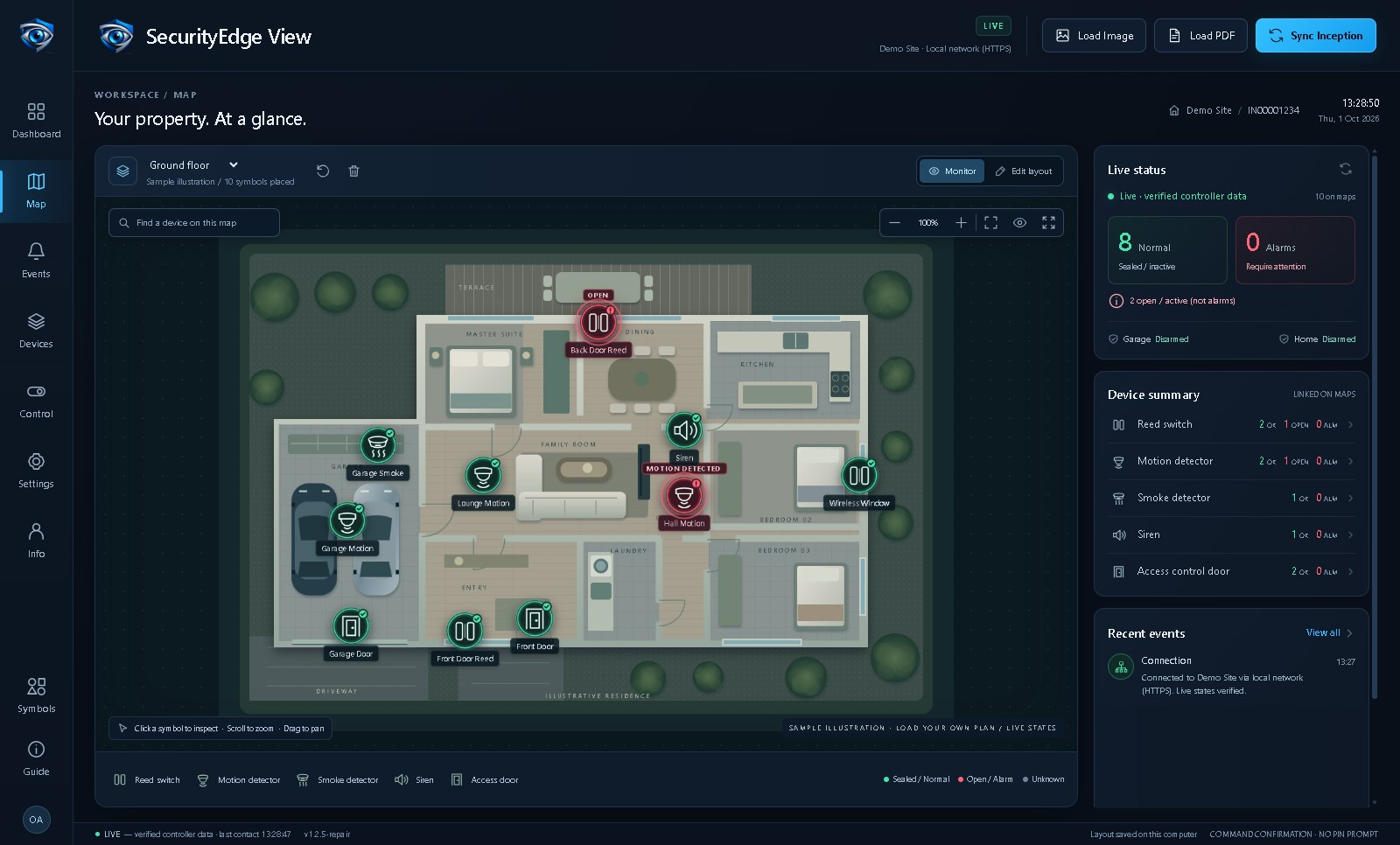
View controller-reported device states, locate doors and detectors, review events, and access permitted controls through one practical interface.
For security teams, facility managers and integrators, the value is straightforward: understand where activity is occurring and support informed operational decisions.
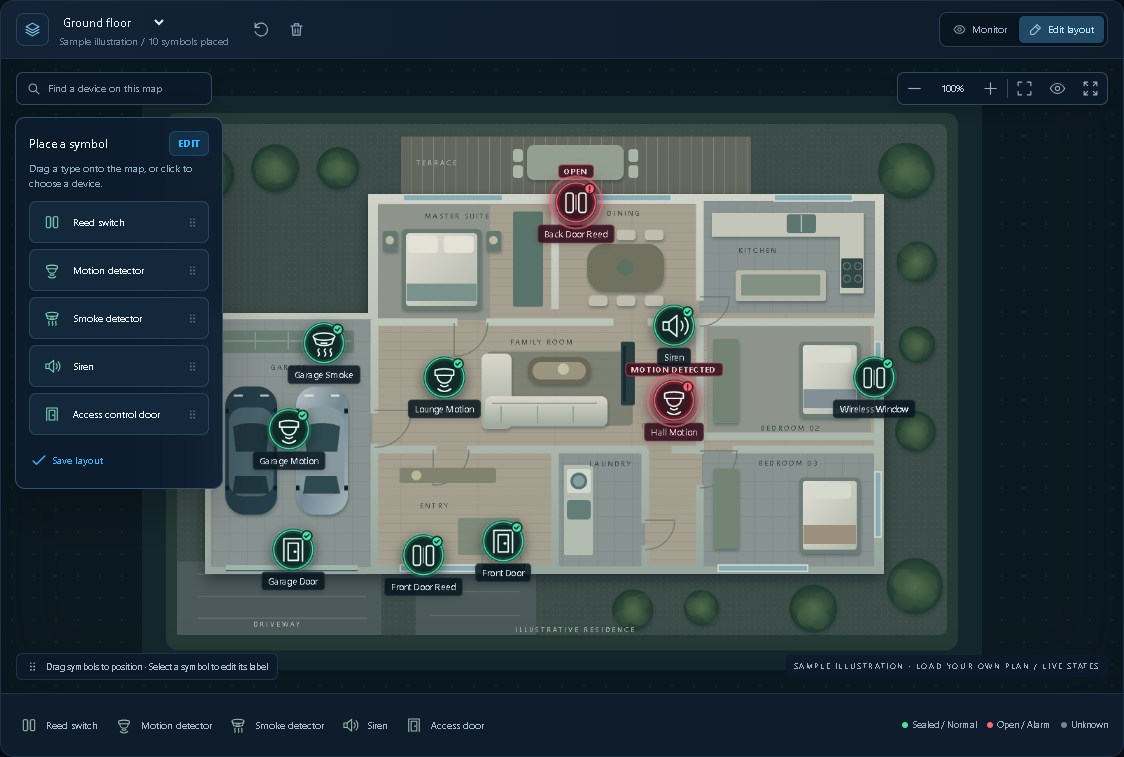
Load your PDF or image floor plan, position your device symbols, and connect them to the relevant controller items. Viewing and control remain subject to your Inception account’s permissions.
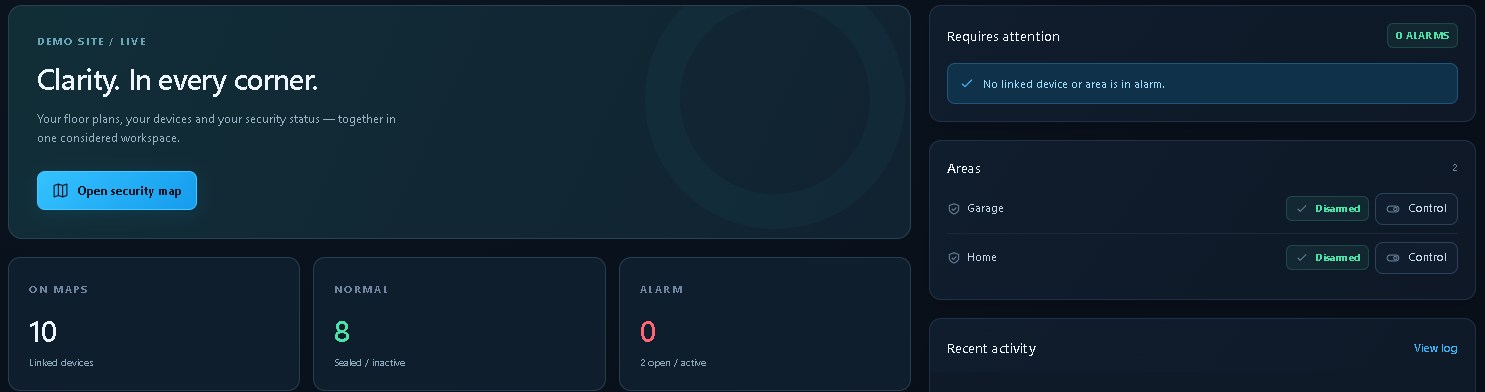
Available for anyone to download, free of charge. A compatible Inception controller and authorised account are required to connect and use the application.
Download SecurityEdge View — FreeCompatibility
SecurityEdge View has been tested with Inception firmware 7.0.1.8313. The latest firmware, 7.3.0.8528, currently has a known input-state issue, so I do not recommend using SecurityEdge View with this revision until Inner Range releases a fix.
SecurityEdge View is independently developed and is not an Inner Range product. Requires Windows 10 or 11 (64-bit).
Download and use notice
SecurityEdge View is independently developed software supplied free of charge and “as is.” It may contain bugs, errors or interruptions. Users are responsible for authorised use, installation, configuration, compatibility checks and testing before operational use.
To the extent permitted by applicable law, SecurityEdge and its developer disclaim warranties and exclude liability for loss, damage or disruption arising from use, misuse, unauthorised use or software faults.
Nothing in this notice excludes rights or liabilities that cannot lawfully be excluded.